
When it comes to CCTV storage, choosing the right hard drive (HDD) is crucial to ensure you have the footage you need when you need it. But how much storage do you need? How long should you keep recordings? And what happens if a hard drive fails?
In this CCTV storage guide, we’ll cover everything from the history of CCTV storage to modern-day solutions, including RAID, automatic deletion, and tell-tale signs of a failing hard drive.
A Brief History of CCTV Storage: From Tapes to Terabytes
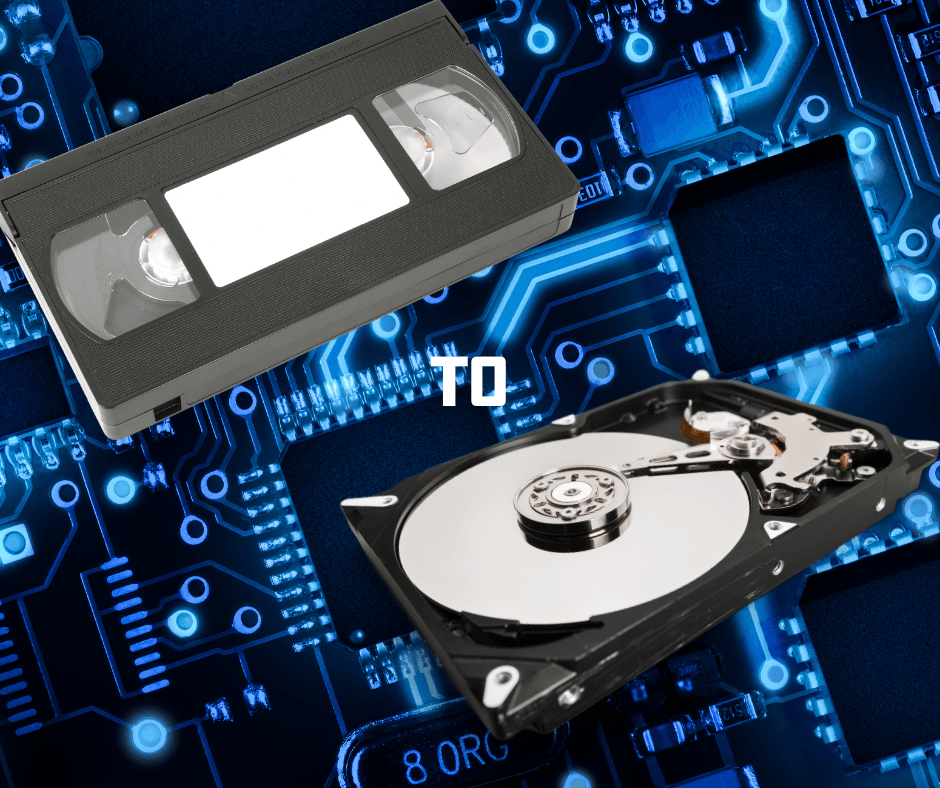
Before hard drives, CCTV systems relied on VHS tapes for recording. If you’ve ever had an old-school camcorder or a cassette player, you’ll know the hassle of dealing with physical tapes. Security teams had to manually swap out tapes every few hours or days, label them, and store them properly in case a review was needed later.
I remember working with a business years ago that still used a massive wall of VHS tapes to store their security footage. Every evening, a staff member had to swap out the tapes and label them by date. If an incident occurred, finding the right footage meant rewinding through hours of irrelevant recordings. Needless to say, the transition to digital recording was a game-changer.
With the arrival of DVRs (Digital Video Recorders) and later NVRs (Network Video Recorders), CCTV storage moved to hard drives, eliminating the need for constant tape changes. Now, footage is stored digitally, making it easier to access and manage.
How Modern CCTV Systems Manage Storage
Automatic Deletion: No More Manual Tape Swaps
Unlike the old VHS days, modern CCTV systems automatically delete the oldest footage to free up space. This means you don’t have to worry about running out of storage; the system continuously records over older, unnecessary footage.
Most NVRs and DVRs allow you to set the number of days footage is retained before being overwritten. This feature is essential for businesses and homeowners alike, as it ensures that storage is used efficiently.
How Much Storage Do You Need?
A general rule of thumb is to store footage for as long as you might be away from the premises. For example:
- Residential properties: At least 7–14 days’ worth of footage.
- Small businesses: 14–30 days.
- High-security sites: 90 days or more, depending on regulations.
If you go on a two-week holiday, you don’t want to return home and find that an incident from the first few days has already been overwritten.
To calculate the ideal storage space required for your number of cameras, click this link.
Factors That Affect Storage Capacity
The amount of storage needed depends on several factors:
- Number of cameras – More cameras require more storage.
- Resolution – Higher resolution (4K vs 1080p) means larger file sizes.
- Frame rate – More frames per second (FPS) increase storage needs.
- Compression technology – Modern codecs like H.265+ help reduce file sizes.
For a small home setup with four 1080p cameras at 15 FPS, a 1TB hard drive might store about two weeks of footage. A business with eight 4K cameras at 30 FPS may need 10TB or more for the same timeframe.
RAID Storage: Do You Really Need It?
RAID (Redundant Array of Independent Disks) is a system that uses multiple hard drives to create a backup or improve performance. While it sounds great, it’s not necessary for most users.
When RAID Is Beneficial
RAID is ideal for high-dependency sites, such as:
- Banks and financial institutions
- Hospitals and emergency services
- Data centres
- Large-scale businesses with legal storage requirements
For a small business or home, a single reliable surveillance HDD (such as Seagate SkyHawk or Western Digital Purple) is usually enough. However, if your CCTV footage is critical, RAID 1 (mirroring) ensures you have a backup in case of a hard drive failure.
How to Tell If Your Hard Drive Has Failed
Even the best hard drives eventually fail, and losing footage at a critical moment can be disastrous. Here are some warning signs that your CCTV HDD might be on its last legs:
1. Strange Noises
If you hear clicking, grinding, or whirring sounds, the hard drive may be failing. These noises suggest mechanical wear or damage.
2. Missing or Corrupt Footage
If your CCTV system skips footage, records blank frames, or struggles to access recordings, the hard drive could be corrupted.
3. Slow Performance
A sudden delay in accessing playback footage or a system that frequently crashes could indicate HDD issues.
4. Error Messages
Many modern NVRs and DVRs display warnings like “HDD failure” or “No storage detected” when a hard drive is faulty.
5. Frequent Reboots
If your CCTV system randomly restarts, it might be due to storage failures, power supply issues, or overheating.
If you notice any of these signs, back up your footage immediately and replace the hard drive.
Conclusion: Choosing the Right Storage for Your CCTV System
CCTV storage has come a long way from VHS tapes to high-capacity surveillance HDDs. With automatic deletion, modern systems ensure that you always have the latest footage without manual intervention.
For most users, the minimum storage requirement should match how long they’re away from the property. If high security is essential, RAID can provide redundancy, but it’s not necessary for everyday setups.
Finally, if you ever hear strange noises or experience missing footage, don’t ignore it—your hard drive might be failing. Investing in a reliable surveillance HDD ensures that your security system remains functional when you need it most.
Need help setting up your CCTV storage? Duke Security can advise you on the best solutions for your home or business. Get in touch today!